On October 1st, the current version of the Hubber app will stop working and will be replaced by a new version.
If you use Hubber to edit and manage content on ViewNet screens, it is therefore important that you download the new version of the app.
You can download the Hubber app right now:
In addition to the app, you also have access to Hubber in a browser version:
If you are in doubt about what your library's customer ID is, feel free to contact ViewNet support.
Note you cannot use the "preview function" in the browser version.
ViewNet Support:
E-Mail: support@viewnet.dk
Tel: + 45 73 70 07 77
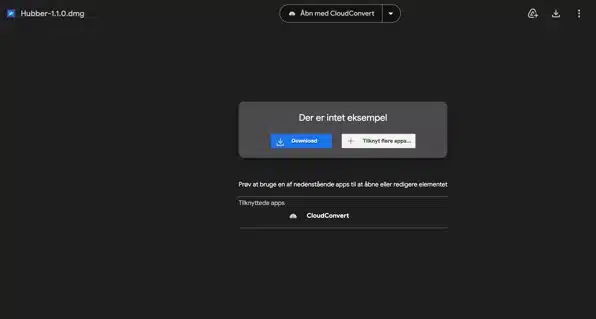
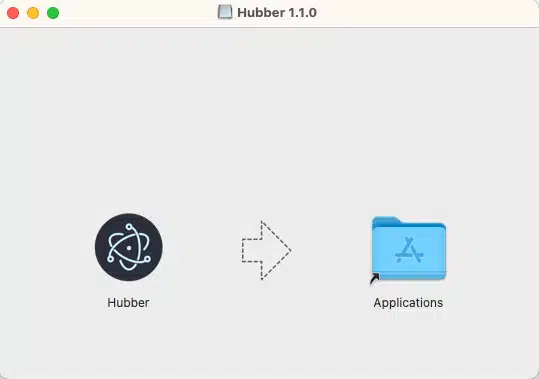
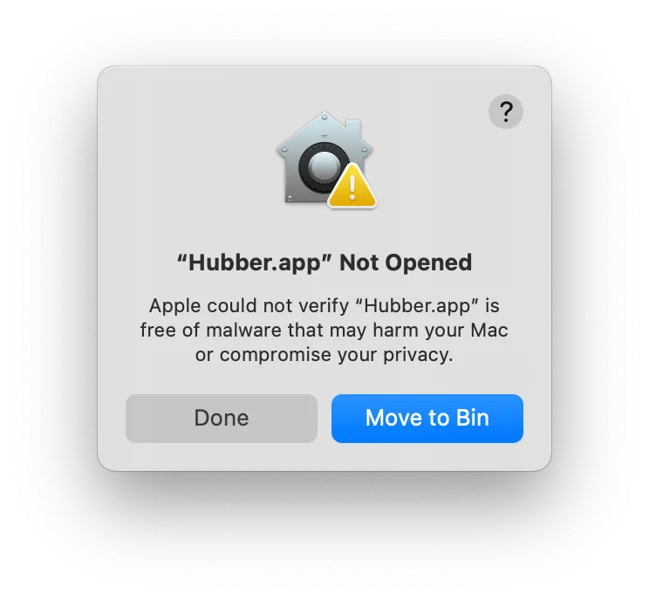
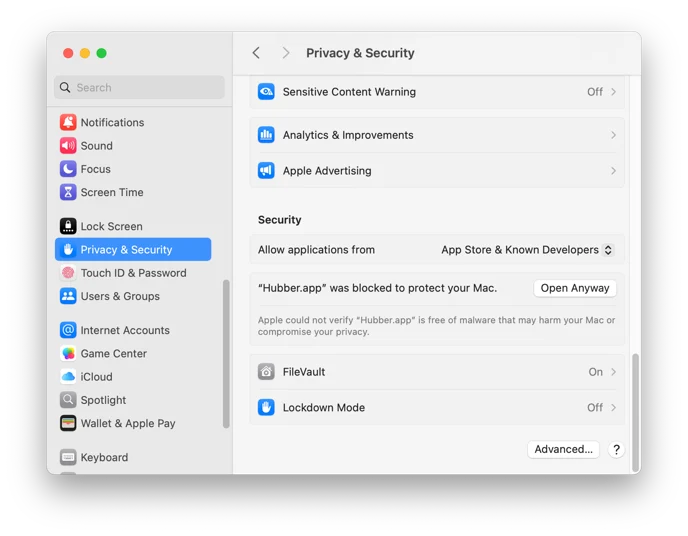
How to install the Hubber app for Mac
(*If the language on your computer is set to Danish, click "Cancel")
in the menu bar > System Settings > Privacy and Security > Open Anyway

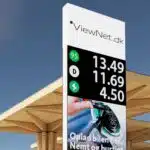
ViewCharge
E-Mobility, Tank & Wash

View Studio Pro
Meetings & Conferences

View Pro
Outdoor big screens

ViewPoster
Square facade screens

ViewPylon
LED Pylons

ViewFoil
Transparent LED Foil

ViewAir
Transparent LED Screen

ViewSolar
Solar screens

ViewShow
Fair & Concert

ViewMobil
Movable LED screens

View3D
3D matrix large screens

ViewMedia
Spot production

ViewPlay
Software management
ViewCharge
View Studio Pro
View Pro
ViewPylon
ViewPoster
ViewFoil
ViewAir/ViewDeco
ViewMobil
ViewShow
ViewSolar
ViewMedia
ViewPlay
View3D


ViewStudio
Meetings & Conferences

View Pro
Outdoor Big Screens

ViewPoster
Square facade screen

ViewPylon
LED Pylons
ViewCharge
E-Mobility, Tank & Wash
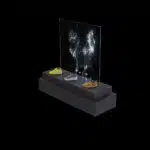
ViewFoil
Transparent LED Foil
ViewAir/ViewDeco
Transparent LED Screen
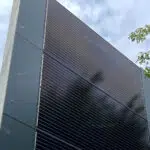
ViewSolar
Solar large screens

ViewMobil
Movable LED Screen
ViewShow
Fair & Concert Screens

View3D
3D matrix Screens
ViewPlay
Spot production
ViewCenter
Software management
Enter your details for pricing and we will contact you within 24 hours.
